MeshtasticADV
Keyboard-first Meshtastic for the M5Stack Cardputer ADV. Message the mesh — no phone.
▚ Flash it now
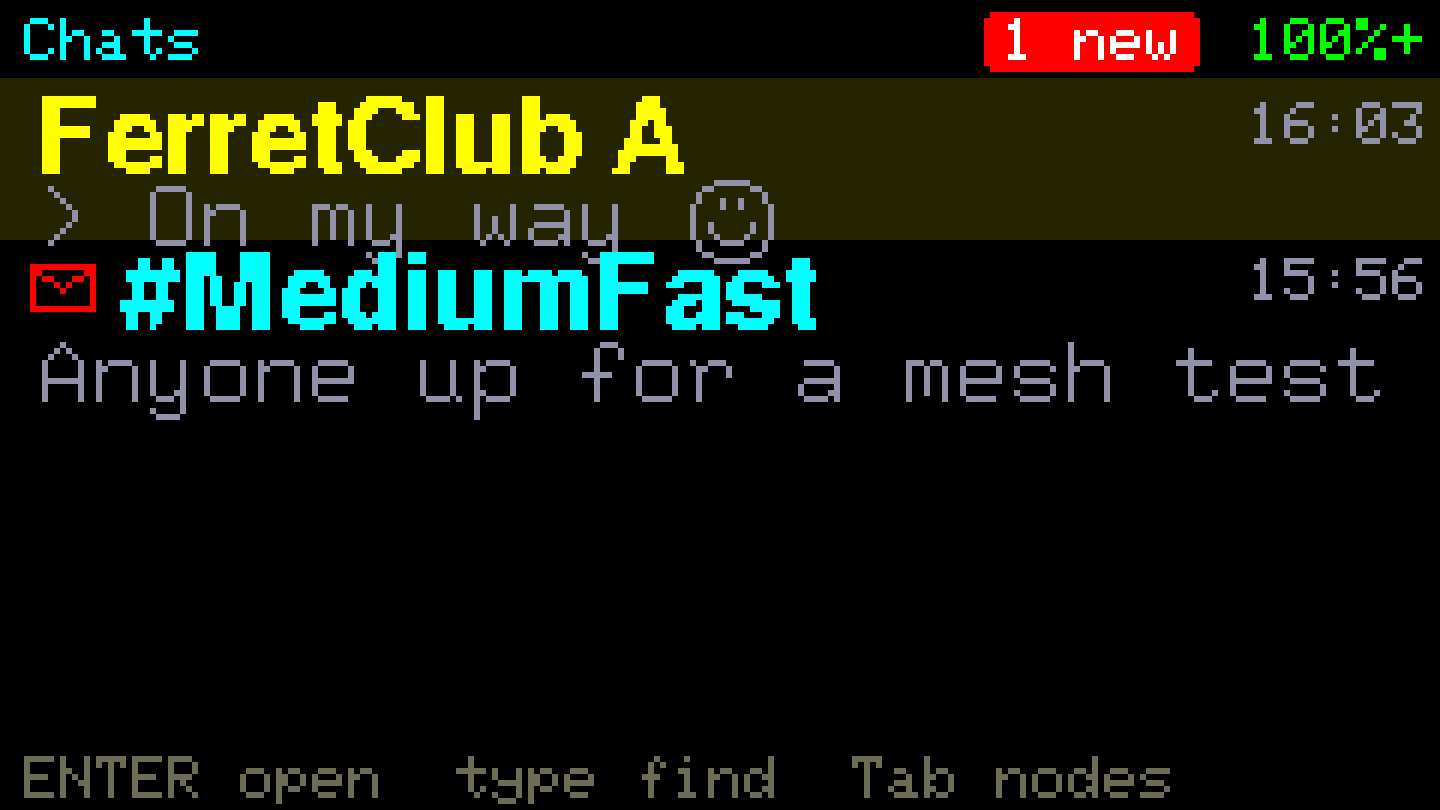
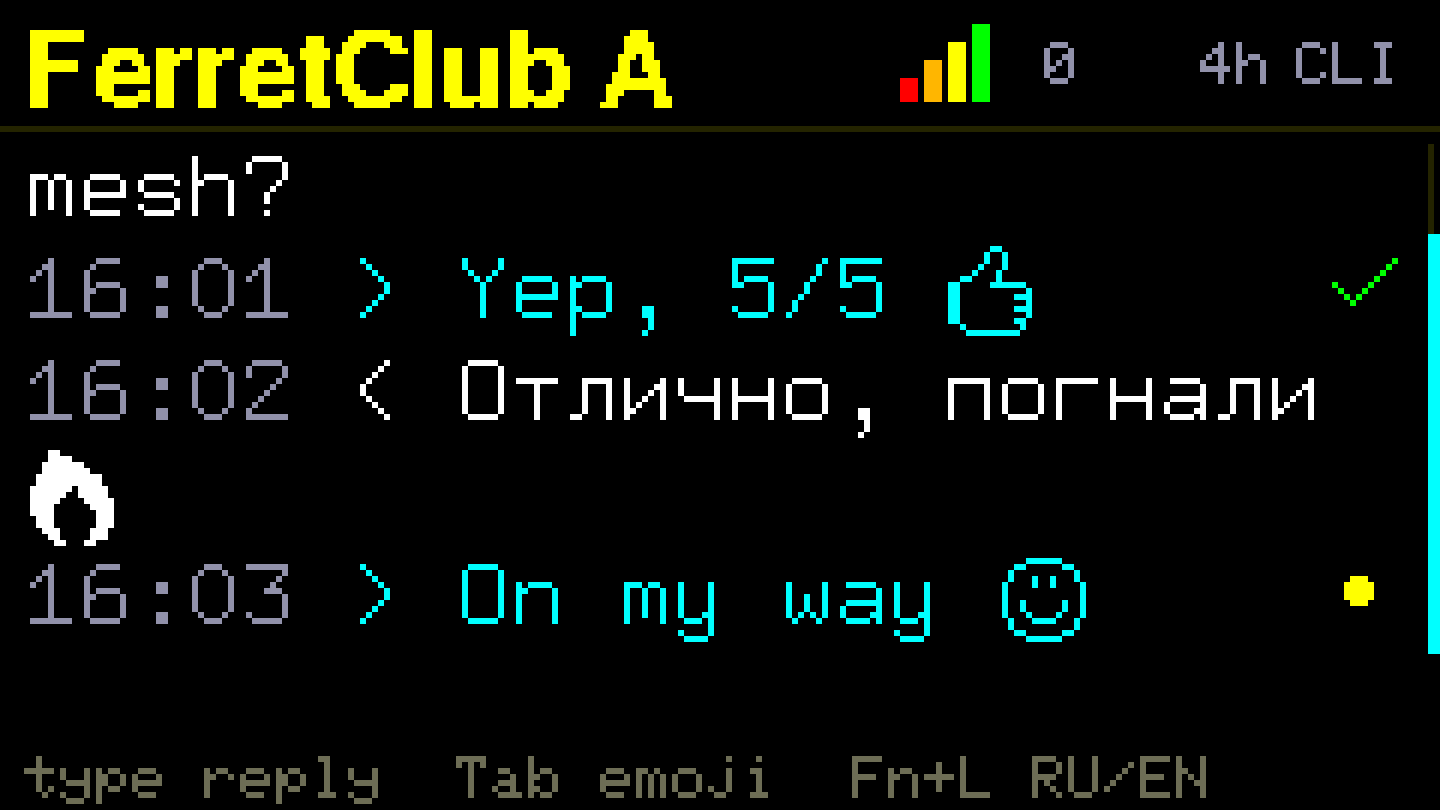
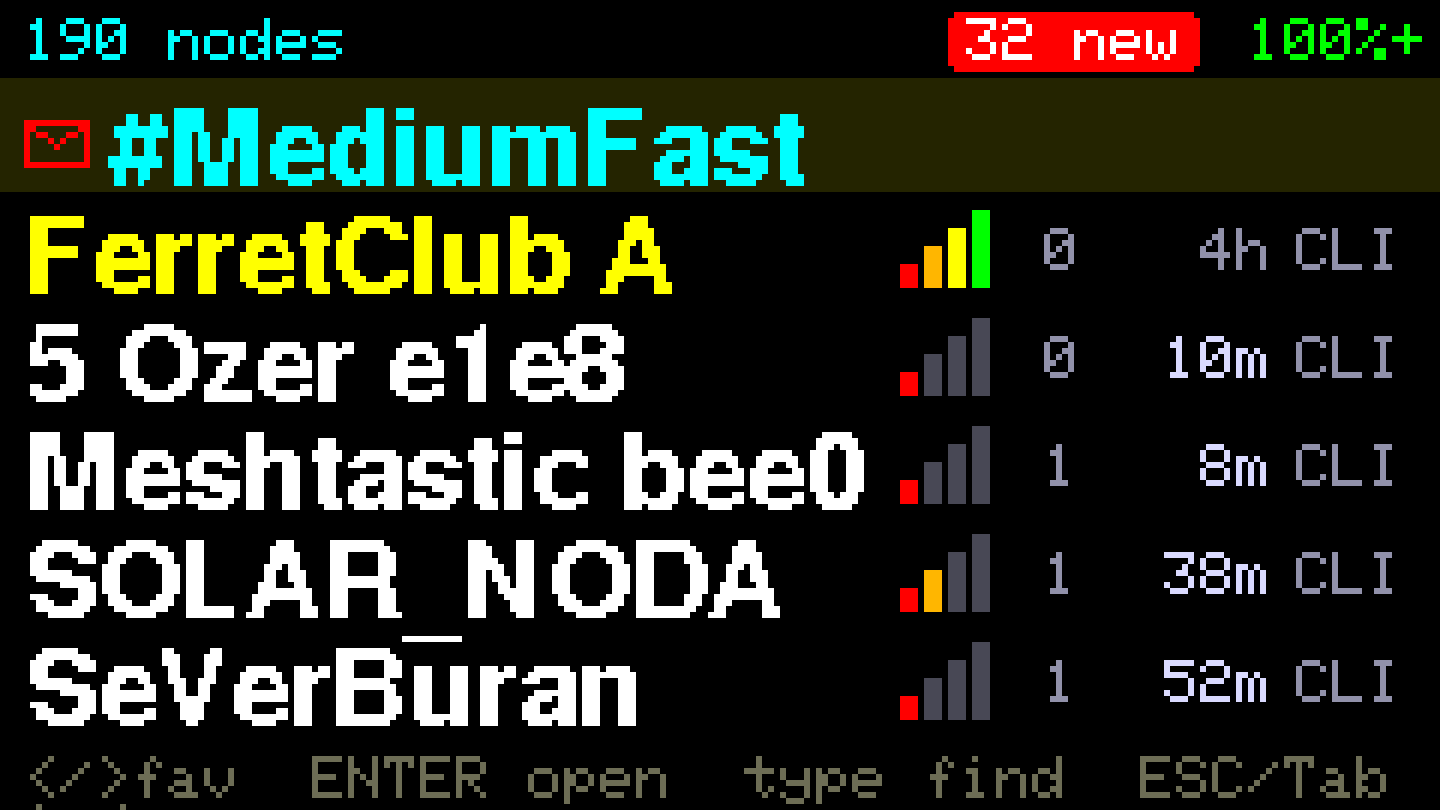
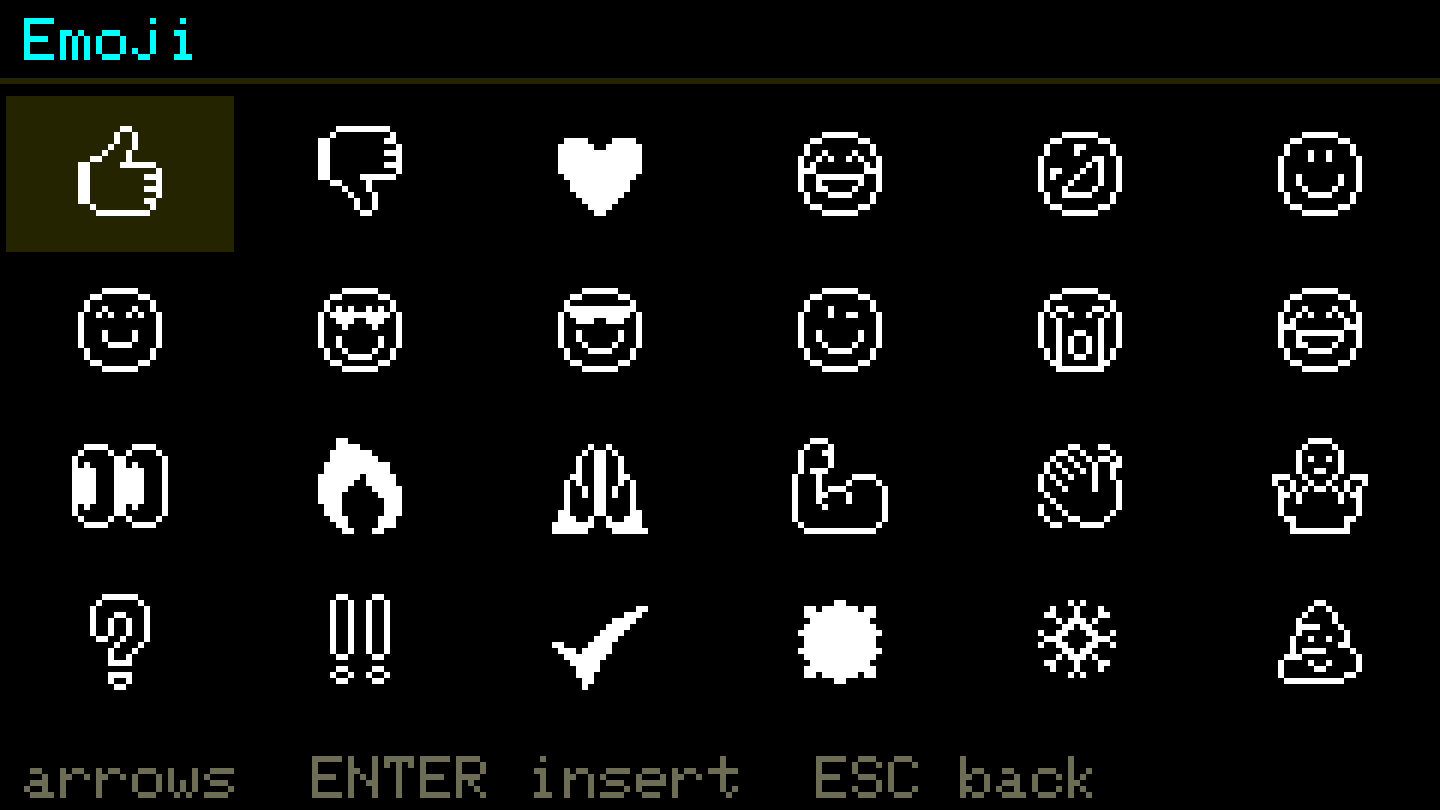
▚ On the screen
▚ Before you click
- Attach the LoRa antenna to the Cap first — never power the PA without it.
- No LoRa cap? Companion mode pairs with any stock Meshtastic node over Bluetooth and uses its radio (Settings → Radio).
- Desktop Chrome or Edge only (Web Serial API).
- Use a data USB-C cable, straight into the computer — no hub.
- Not listed? Hold G0 / BOOT while connecting, then release.
- After flashing: long-press ESC → set your Region & UTC.
▚ Drive it
- type on the list to search · ENTER opens a chat
- ←→ favourite a contact · ↑↓ move / scroll
- In a chat: type then ENTER to send · Tab for emoji · Fn+L for Cyrillic
- ← reply · → react on a received message
- Long-press ESC anywhere → Settings (region, UTC, WiFi & MQTT, Radio / companion)